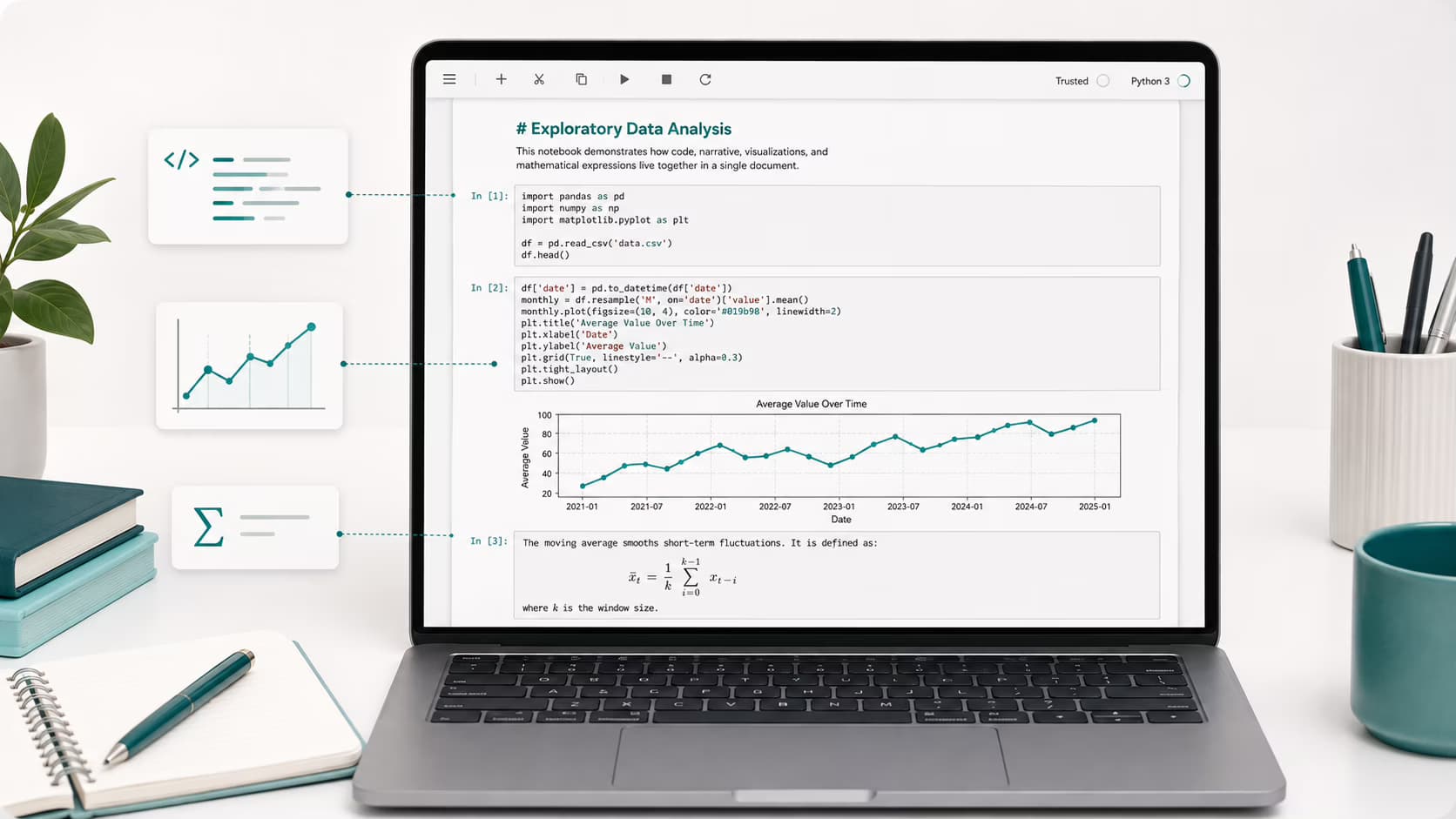
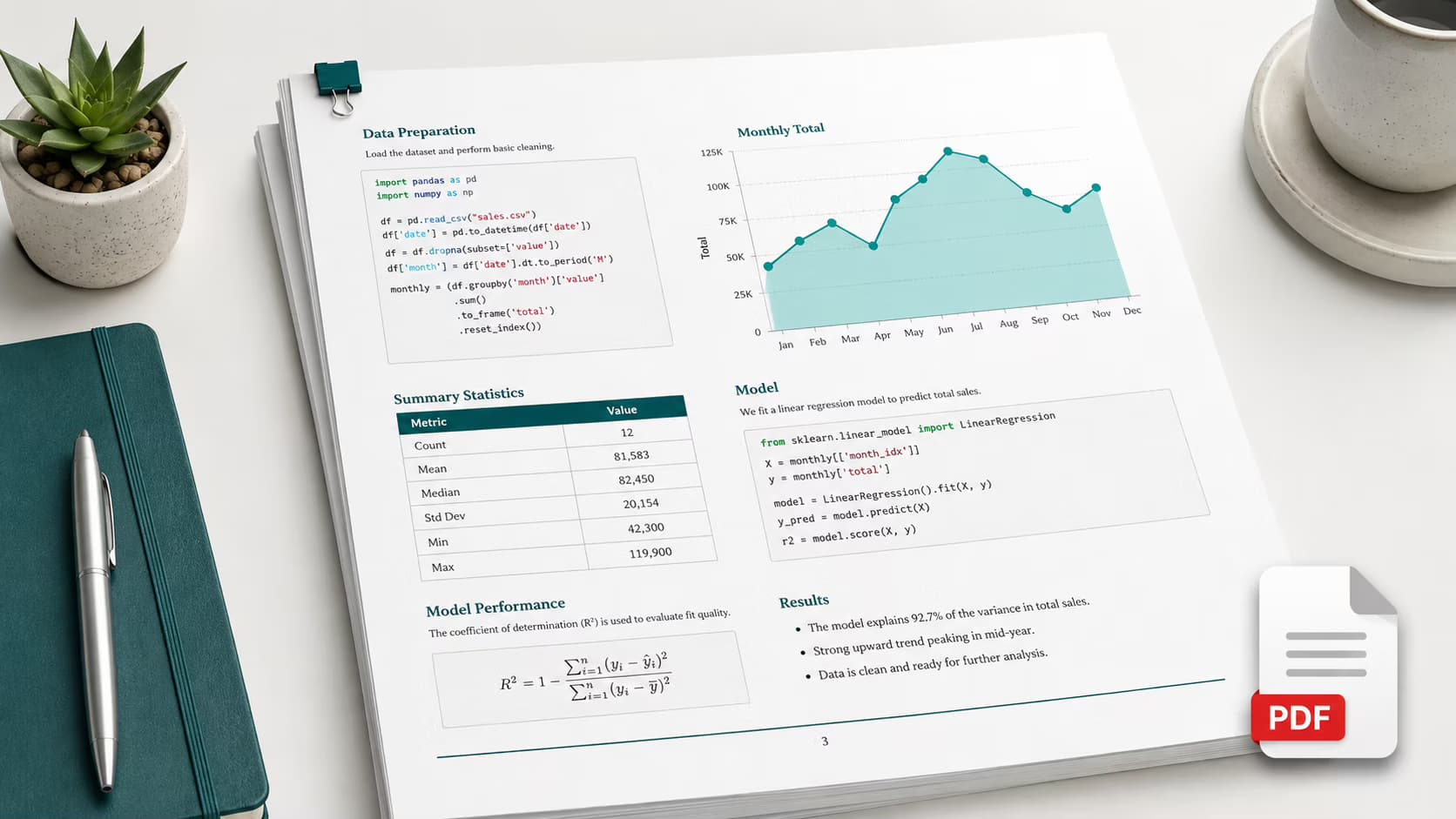
Convert IPYNB to PDF in 3 Seconds Flat
While others waste hours fighting nbconvert errors, you'll convert IPYNB to PDF in 3 seconds. Our free IPYNB to PDF converter preserves every line of code, chart, and LaTeX equation perfectly. Join 50,000+ data scientists who switched to the best Jupyter Notebook to PDF tool.
No signup. No credit card. No watermarks. 100% free forever.
Trusted by 50,000+ researchers at leading institutions
Free Online IPYNB to PDF Converter
Convert your Jupyter Notebook to PDF in 3 seconds. Perfect code highlighting, charts, and LaTeX - guaranteed.
Drop your IPYNB file to convert to PDF
or click to browse - IPYNB to PDF conversion starts instantly
Free IPYNB to PDF converter - supports files up to 50MB
How to Convert IPYNB to PDF in 3 Steps
No signup, no installation, no Python environment needed. Convert your Jupyter Notebook to PDF in under 10 seconds with our free IPYNB to PDF converter.
Upload Your IPYNB File
Drag and drop your Jupyter Notebook (.ipynb) file. Works with JupyterLab, VS Code, Google Colab - any IPYNB file converts to PDF instantly.
IPYNB to PDF Conversion
Our engine converts your IPYNB to PDF in 3.2 seconds - parsing every cell, preserving code highlighting, charts, and LaTeX equations perfectly.
Download Your PDF
Your IPYNB to PDF conversion is complete! Download a professional, print-ready PDF with no watermarks - perfect for submissions and presentations.
100% free IPYNB to PDF converter. No credit card, no signup required.
Why Our IPYNB to PDF Converter is Different
Frustrated with nbconvert errors, broken LaTeX, and missing charts? Our IPYNB to PDF converter solves every problem you've had with Jupyter Notebook exports.
10x Faster IPYNB to PDF Conversion
Stop waiting 2-3 minutes for nbconvert to crash. Our IPYNB to PDF converter processes your Jupyter Notebook in 3.2 seconds on average - so you can meet that deadline.
Your Code Stays Private
Unlike other IPYNB to PDF tools, we use 256-bit SSL and auto-delete your files instantly. Your proprietary research and trade secrets never touch our storage.
Perfect Code in Your PDF
No more broken syntax highlighting. Every Python, R, and Julia cell in your IPYNB converts to PDF with beautiful, accurate code formatting that impresses reviewers.
Charts & LaTeX That Actually Work
Matplotlib plots, seaborn charts, LaTeX equations - they all render perfectly when you convert IPYNB to PDF. No more missing images or garbled math symbols.
Convert IPYNB to PDF Anywhere
No Python environment? No problem. Convert IPYNB to PDF from any browser - Mac, Windows, Linux, even your phone. Our online converter handles everything.
100% Free IPYNB to PDF - Forever
No hidden fees, no 'premium tier', no watermarks on your PDF. Our IPYNB to PDF converter is completely free - we built it for the data science community.
IPYNB to PDF Converter Comparison: Why We're Different
nbconvert
- - Requires Python environment
- - Frequent LaTeX errors
- - 2-3 minute conversion time
- - Complex command-line setup
Jupyter Export
- - Missing charts/images
- - Broken code formatting
- - Requires browser setup
- - Inconsistent results
Our IPYNB to PDF Converter
- + 3.2 second conversion
- + Perfect code highlighting
- + All charts preserved
- + 100% free, no signup
Ready to convert your first IPYNB to PDF?
Convert IPYNB to PDF FreeNo signup required - instant IPYNB to PDF conversion
50,000+ Data Scientists Trust Our IPYNB to PDF Converter
See why researchers, developers, and analysts worldwide choose our free IPYNB to PDF converter to transform their Jupyter Notebooks into professional PDFs.
"This IPYNB to PDF converter literally saved my thesis defense! After wasting 3 hours fighting nbconvert LaTeX errors, I found this tool - converted my entire 50-page notebook to PDF in 4 seconds flat."
Dr. Sarah Chen
Data Scientist at Google
"I convert 20+ IPYNB files to PDF every week for stakeholder reports. This tool cut my workflow from 45 minutes to under 2 minutes. The matplotlib plots are pixel-perfect every single time."
Marcus Rodriguez
ML Engineer at Meta
"Made this mandatory for my entire lab. 47 students, zero complaints. When your deadline is in 2 hours and nbconvert crashes - this IPYNB to PDF converter is a lifesaver."
Emily Watson
PhD Researcher, MIT
"6 months, 400+ conversions, zero failures. Our team documentation went from 'avoid notebooks' to 'share PDFs everywhere.' The code highlighting makes our reports look incredibly professional."
James Park
Data Analyst at Microsoft
"Security was our #1 concern with proprietary research. This IPYNB to PDF tool deletes files instantly - we verified. Now our entire computational biology department uses it exclusively."
Dr. Aisha Patel
Professor, Stanford
"After testing 12 different Jupyter Notebook to PDF converters, this is the only one that handles complex nested code blocks correctly. Free, fast, no watermarks - it's perfect."
Tom Anderson
Senior Developer at IBM
247K+
IPYNB to PDF Conversions
50K+
Data Scientists Served
3.2s
Avg. IPYNB to PDF Time
99.9%
Conversion Success Rate
The Complete Guide to IPYNB to PDF Conversion Online
Looking to convert IPYNB to PDF? Our free online IPYNB to PDF converter is the fastest way to transform Jupyter Notebook files into professional PDF documents. In the world of data science and computational research, Jupyter Notebooks have become an indispensable tool. These interactive documents, saved with the .ipynb extension, combine executable code, rich text, visualizations, and equations in a single document. When you need to share your work with colleagues, clients, or for academic submissions, our IPYNB to PDF converter makes the process seamless. Convert IPYNB to PDF online in seconds with perfect formatting.
What is an IPYNB File? Understanding IPYNB to PDF Conversion
Before you convert IPYNB to PDF, it helps to understand what an IPYNB file is. A Jupyter Notebook (.ipynb) is an open-source web application that allows you to create and share documents containing live code, equations, visualizations, and narrative text. The name "Jupyter" is a reference to the three core programming languages it was designed for: Julia, Python, and R. When you need to share these notebooks, IPYNB to PDF conversion is the most professional approach.
The IPYNB file format stores all this information in a JSON structure, making IPYNB to PDF conversion require specialized tools. Our free online IPYNB to PDF converter handles all the complexity for you, producing beautiful, professional PDF documents from your Jupyter Notebooks. The Ipynb (Jupyter Notebook) to PDF Converter preserves all formatting perfectly.


Why Convert IPYNB to PDF? Benefits of IPYNB to PDF Conversion
Why should you convert IPYNB to PDF? While Jupyter Notebooks are excellent for interactive work, PDF remains the gold standard for document sharing. Using our IPYNB to PDF converter offers several advantages: universal compatibility across all devices, preserved formatting that won't change regardless of the viewer's setup, and professional presentation suitable for reports, publications, and academic submissions. The IPYNB to PDF format is universally accepted.
Our free online IPYNB to PDF converter ensures that your code retains its syntax highlighting, your plots and charts maintain their resolution, and your LaTeX equations render perfectly. Whether you're a student submitting homework, a researcher preparing a paper, or a data scientist presenting to stakeholders, our IPYNB to PDF tool delivers professional results every time.
Who Uses Our Free Online IPYNB to PDF Converter?
Students
Submit homework, projects, and thesis work in professional PDF format required by academic institutions.
Researchers
Prepare supplementary materials, share reproducible research, and document methodologies.
Data Scientists
Create polished reports and presentations for stakeholders and business teams.
Educators
Distribute course materials, tutorials, and educational content in accessible formats.
How to Convert IPYNB to PDF - Step by Step Guide
Our IPYNB to PDF converter is designed to be simple yet powerful. When you upload your .ipynb file to convert IPYNB to PDF, our system parses the JSON structure that makes up your Jupyter Notebook. Each cell type is handled appropriately during the IPYNB to PDF conversion: code cells receive language-specific syntax highlighting, markdown cells are rendered with full formatting support including headers, lists, links, and images, and output cells preserve your visualizations and computed results.
The IPYNB to PDF converter uses advanced rendering technology to ensure that mathematical equations written in LaTeX appear crisp and clear when you convert IPYNB to PDF. Matplotlib charts, Seaborn visualizations, Plotly interactive graphs, and even raw HTML outputs are all captured and embedded in your final PDF document using our Jupyter Notebook to PDF converter.
Unlike other IPYNB to PDF tools that require software installation or command-line knowledge, our free online IPYNB to PDF converter works entirely in your browser. Simply drag and drop your IPYNB file, click convert, and download your professional PDF in seconds. It's the easiest way to convert IPYNB to PDF online.
Best Practices for IPYNB to PDF Conversion Online
To get the best results when you convert IPYNB to PDF using our Ipynb (Jupyter Notebook) to PDF Converter, consider these tips: First, ensure your notebook is saved with all outputs visible - our IPYNB to PDF converter captures what's displayed in your notebook, so run all cells before using our IPYNB to PDF tool. Second, use clear markdown headers to create a well-structured PDF document that's easy to navigate.
For visualizations in your IPYNB to PDF output, consider using larger font sizes in your plots since PDFs are often printed or viewed at different zoom levels. If your Jupyter Notebook contains very wide outputs like large dataframes, you might want to limit the displayed columns to ensure they fit nicely when you convert IPYNB to PDF.
Remember that our free online IPYNB to PDF converter preserves your code exactly as written, including comments. This makes the IPYNB to PDF output perfect for educational purposes, code reviews, and documentation where both the code and its context matter. Use our IPYNB to PDF converter for professional results.
IPYNB to PDF Converter - Technical Specifications
Supported Input Formats
- Jupyter Notebook format (.ipynb) versions 4.x
- All kernel types including Python, R, Julia, and more
- Notebooks created with JupyterLab, Classic Notebook, Google Colab, and VS Code
- Files up to 50MB in size
Output PDF Features
- High-resolution output at 300 DPI for print quality
- Syntax highlighting for 100+ programming languages
- Full LaTeX math equation rendering
- Preserved hyperlinks and table of contents generation
Convert IPYNB to PDF Free - Start Now
Join thousands of data scientists, researchers, and developers who trust our free online IPYNB to PDF converter. No registration, no installation, no hassle - just quick, professional IPYNB to PDF conversions whenever you need them. Convert your first Jupyter Notebook to PDF in seconds with the best IPYNB to PDF converter online.
IPYNB to PDF Converter - Frequently Asked Questions
Everything you need to know about how to convert IPYNB to PDF with our free online tool